01
Configured digital frames
Help viewers understand scale, framing, and presentation context without pretending they are standing in the room.
Feature
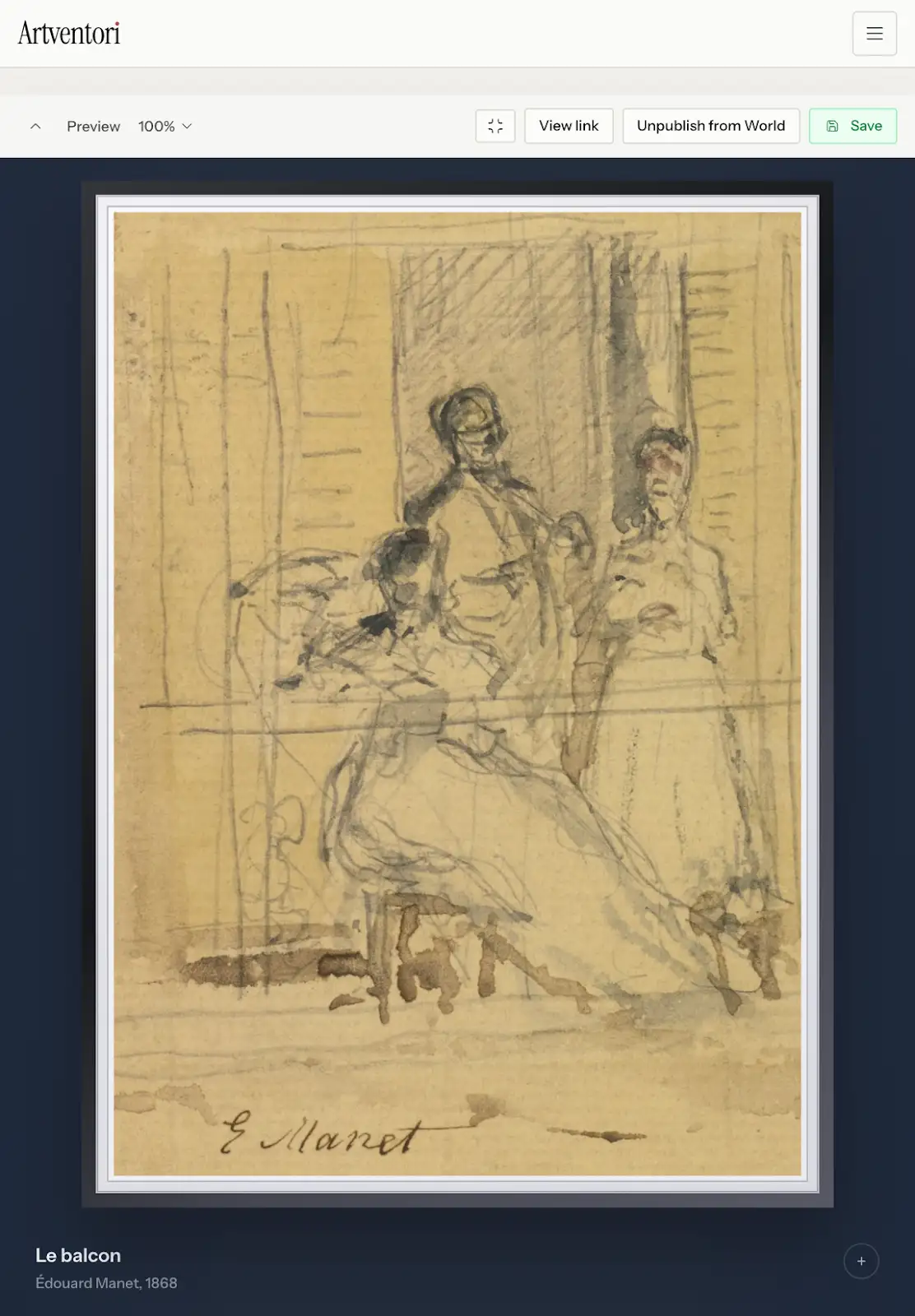
Create focused presentations with configured digital frames, cleaner sizing, artwork details, brochures, QR codes, and links that are easy to revisit.
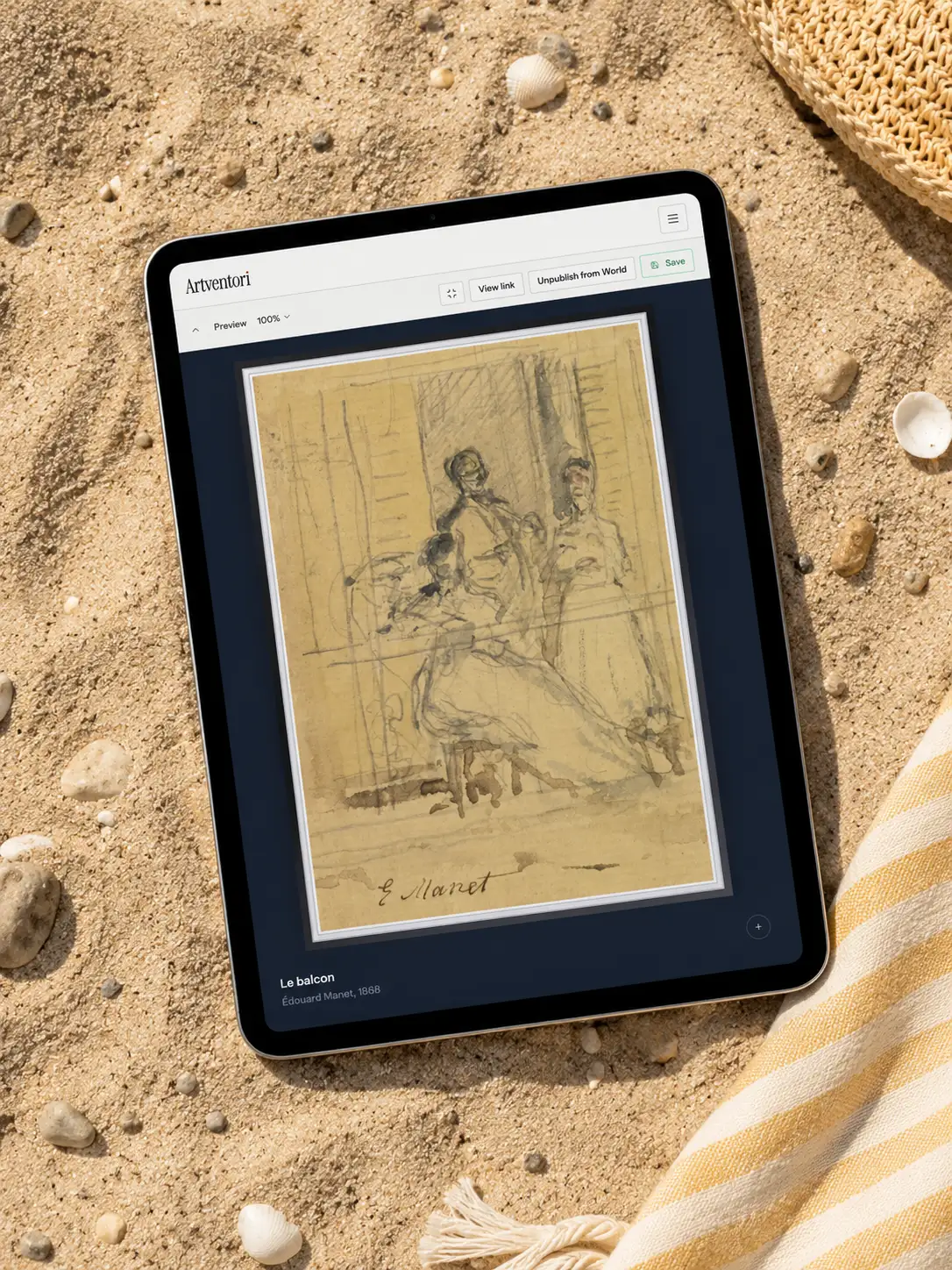
Help viewers understand scale, framing, and presentation context without pretending they are standing in the room.
Respect artwork proportions so mixed-format selections feel intentional and calm.
Include artwork details, descriptions, custom links, QR codes, and a downloadable PDF brochure from the same showcase.
Share one work quickly with a QR code or link carrying selected details.
Track visitor activity and brochure downloads so follow-up is based on signals, not guesses.
Private showcases
Buyers should not have to imagine scale, framing, or context from a loose JPEG. Artventori showcases help present selected works with cleaner sizing, configured frames, professional materials, brochures, QR codes, and links that are easy to revisit.
See private showcases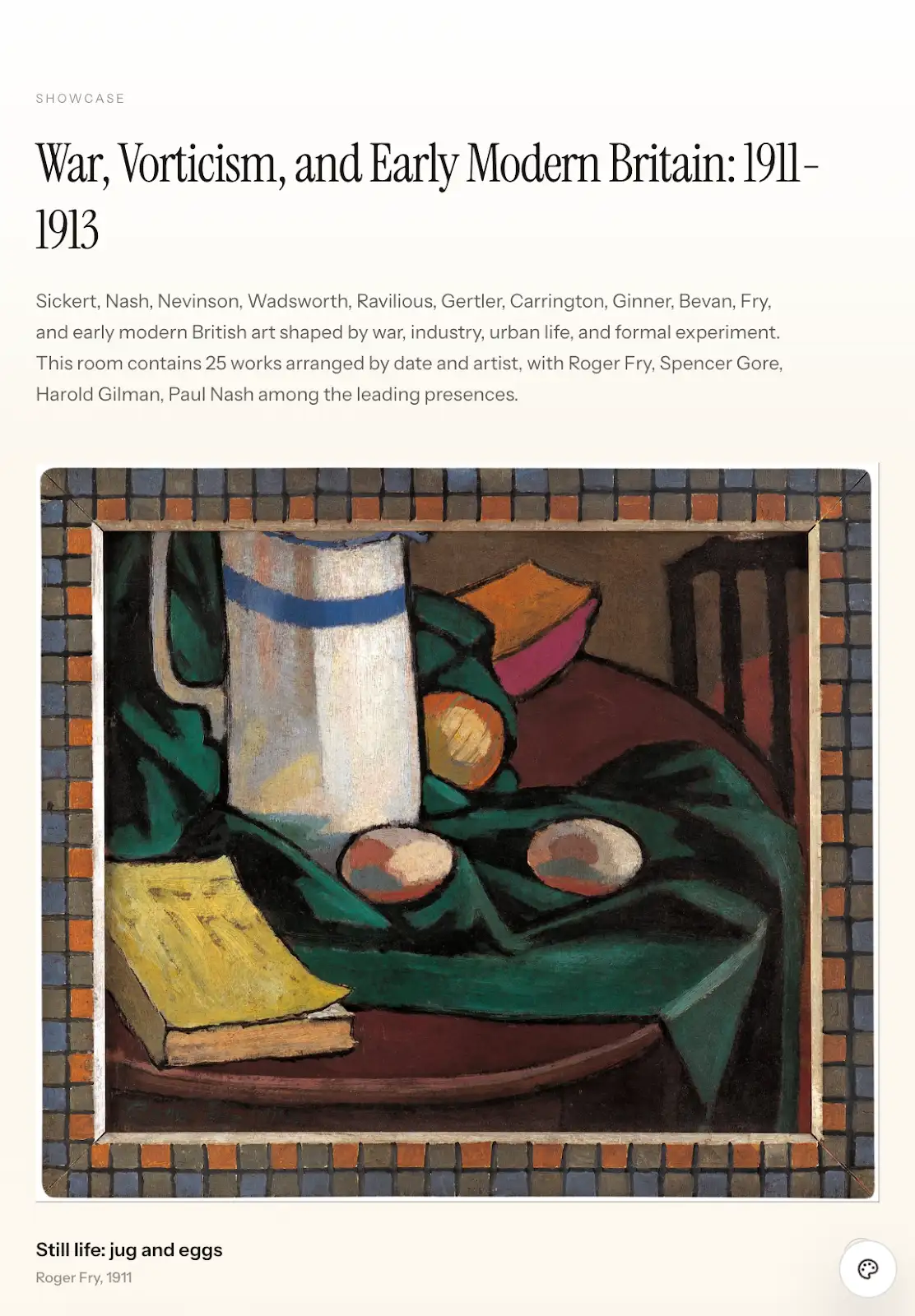
FAQ
Common questions about Artventori.
No. Showcases are controlled presentations. Users can share private links or publish eligible showcases to World when they want public discovery.
Yes. QR codes can point to a single artwork, a private showcase, or a public presentation.
Start with a few works, import a whole portfolio, or set up a gallery workspace. Artventori keeps the record, image, showcase, and submission workflows connected.