01
Files, camera, and links
Add works from local image files, phone captures, or direct image URLs, then preserve useful source notes when helpful.
Feature
Artventori is built for the real places artwork data starts: folders, camera rolls, spreadsheets, links, old websites, and portfolio pages.
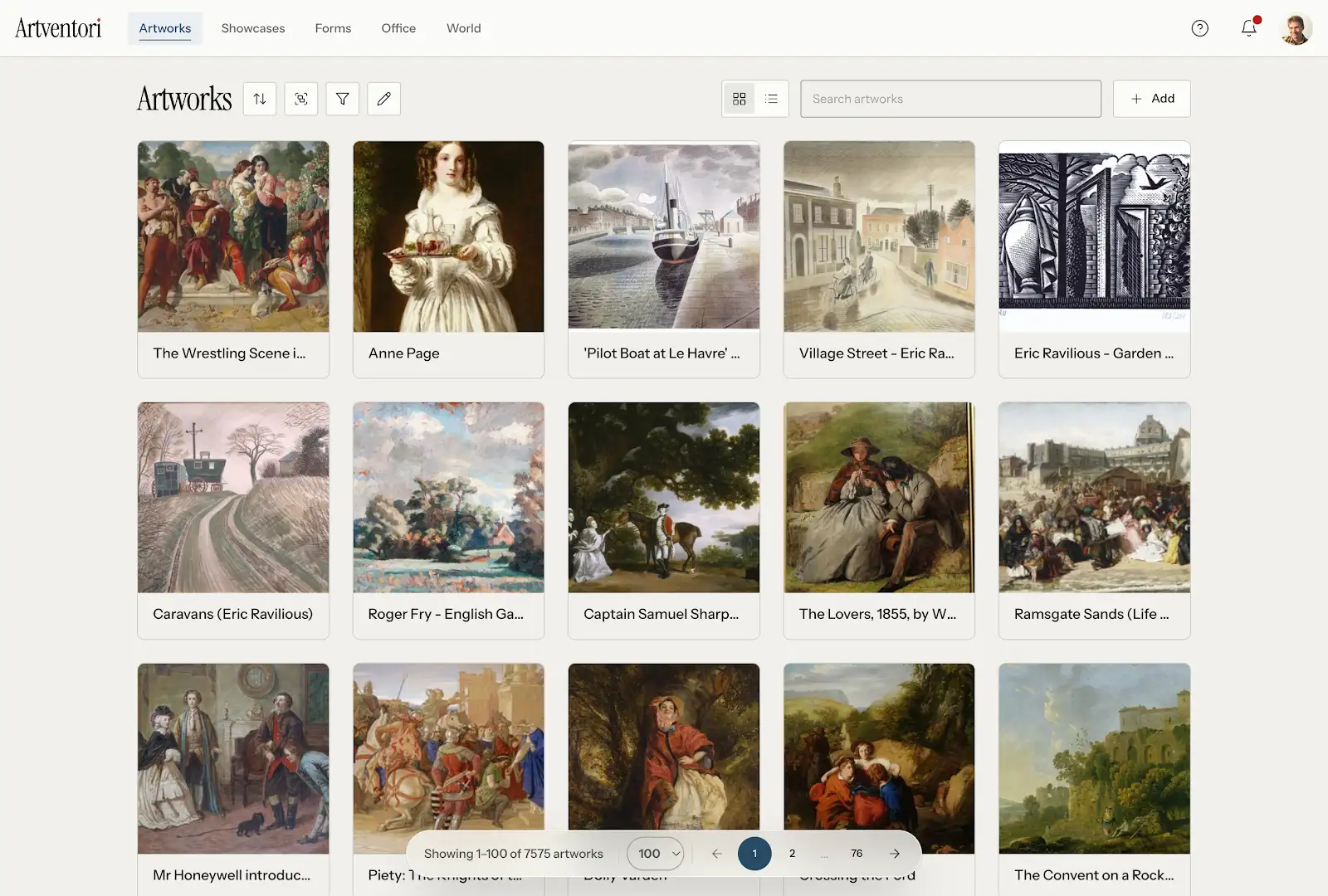
Add works from local image files, phone captures, or direct image URLs, then preserve useful source notes when helpful.
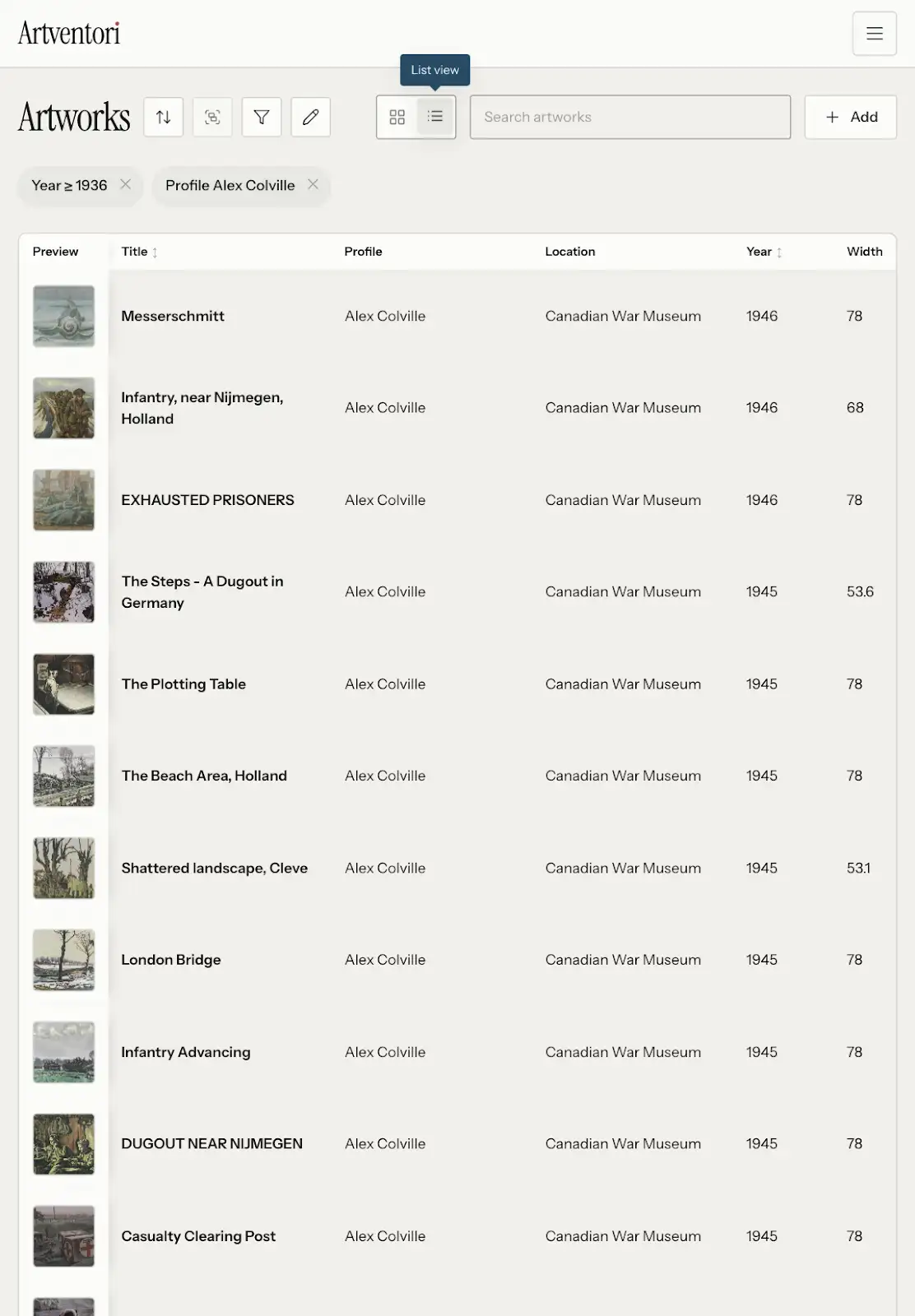
Bring titles, years, media, dimensions, prices, availability, profiles, locations, and labels into one system.
Convert an existing artist website or portfolio into draft artwork records and showcase groupings for review.
Generate thumbnail, grid, presentation, and larger download-ready image sizes after upload.
Scoped agent access can help trusted workflows create records, upload images, import rows, create showcases, and generate share links.
FAQ
Common questions about Artventori.
Yes. Spreadsheet metadata can be combined with uploaded files, links, or later image uploads so records and images come together over time.
No. Treat portfolio conversion as a fast draft and review the records before publishing.
Start with a few works, import a whole portfolio, or set up a gallery workspace. Artventori keeps the record, image, showcase, and submission workflows connected.